Mike WinterWintaland

Display

Appearance
Text size
High contrast
Reduce motion
← All work
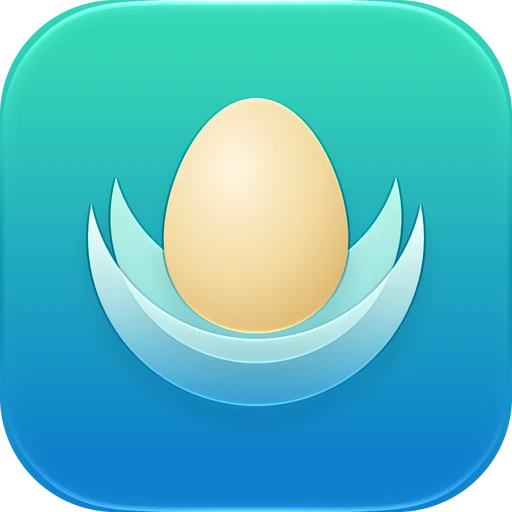
Mike Life app icon: an egg in a nest
Case study · App for iPhone, iPad & Mac

Mike Life

The boring bits of life, made easier: money, and what's for dinner. An Apple-like app I designed and built with AI.

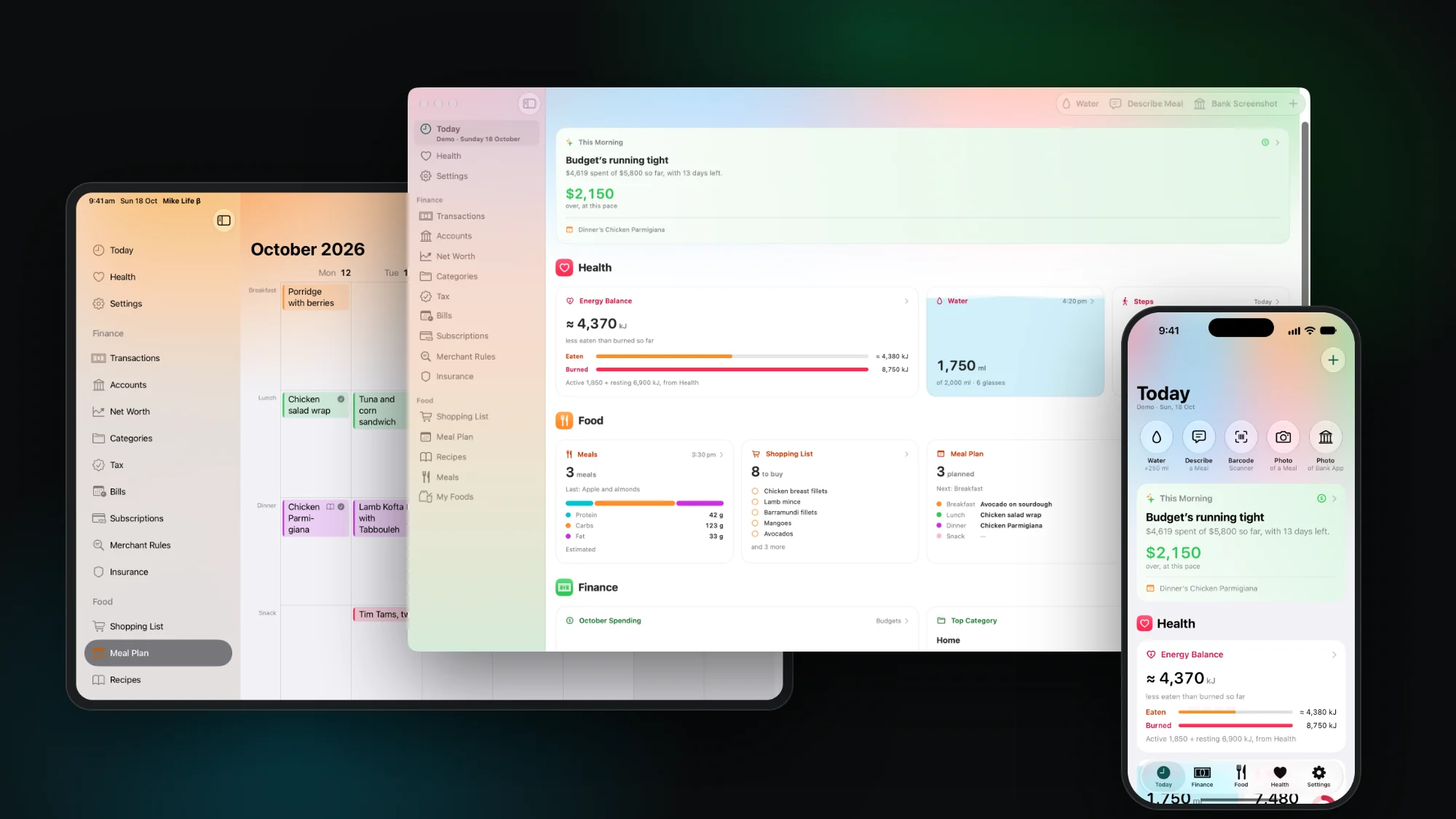
Mike Life on iPad, Mac and iPhone: a weekly meal plan, the Today dashboard and the iPhone Today screen
RoleProduct, UX & UI design
PlatformsiPhone, iPad, Mac, widgets
StackSwiftUI, SwiftData, iCloud, Apple Intelligence
StatusShared with friends · TestFlight
Why

Life admin, lighter

I built Mike Life to take the effort out of two daily chores: keeping on top of money, and deciding what to cook.

It's also my design playground. How far could I take my own Apple-like app, testing UI and UX ideas on real life?

The answer: a genuinely useful tool I now share with friends.

01

Boring, made easy

Bills, budgets and dinner, sorted in seconds.

02

Looks like Apple made it

Every screen matches an Apple app.

03

AI suggests, you decide

Nothing saves until you check it.
The app

One place for the household

Health, Food, Finance and Home.

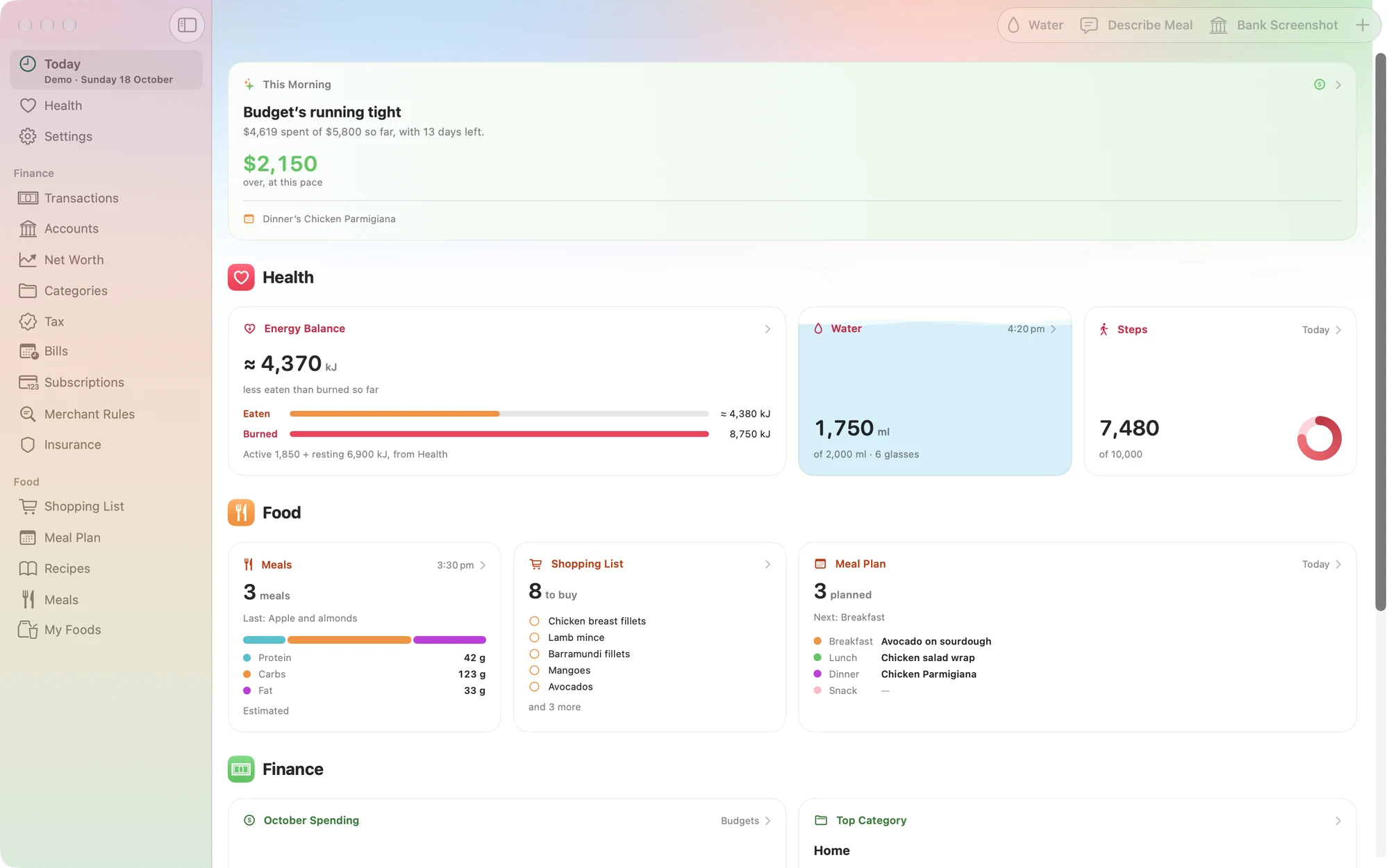
Mike Life Today screen on Mac with a morning budget summary and Health, Food and Finance tiles
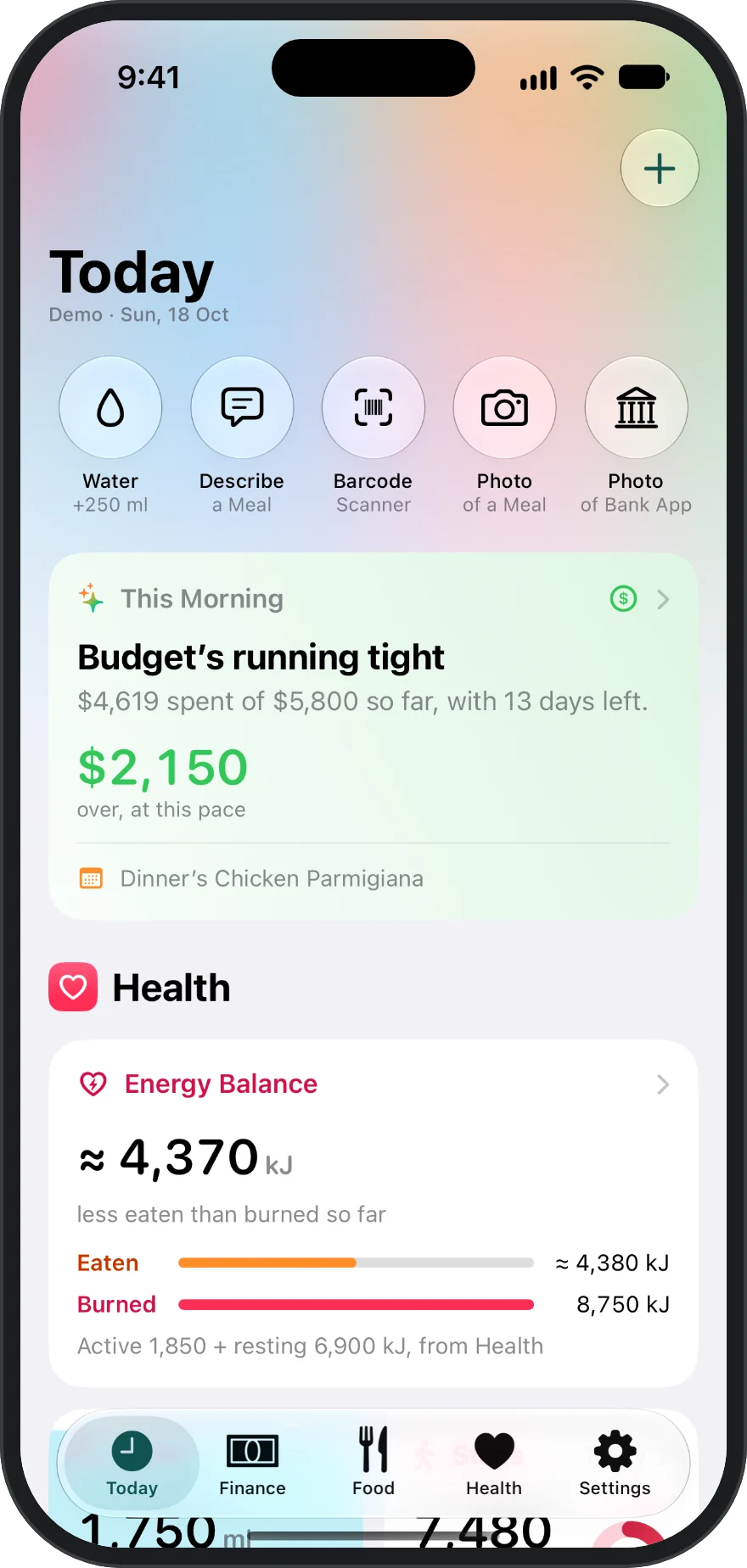
Today

The whole day at a glance

Health, meals, spending and bills on one screen.

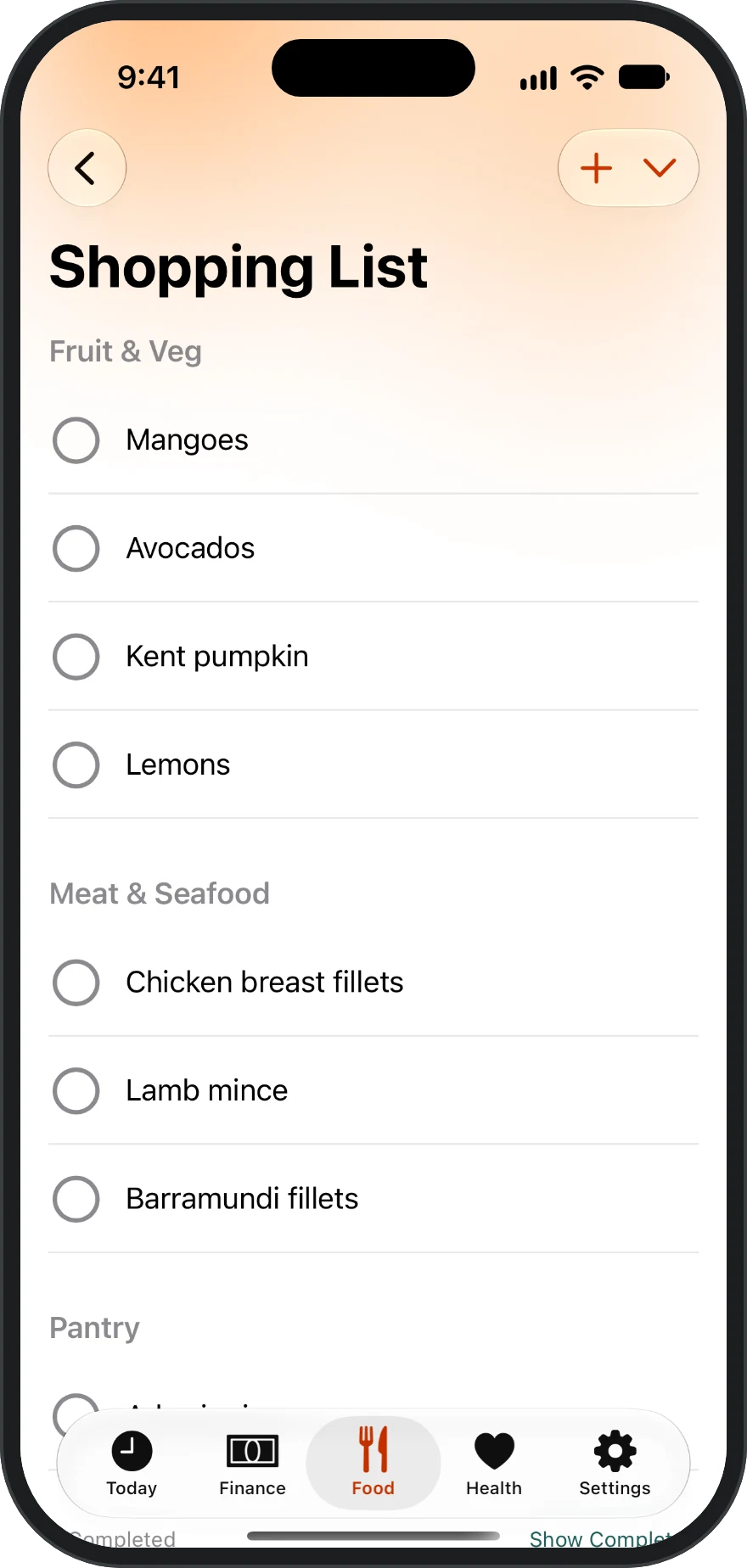
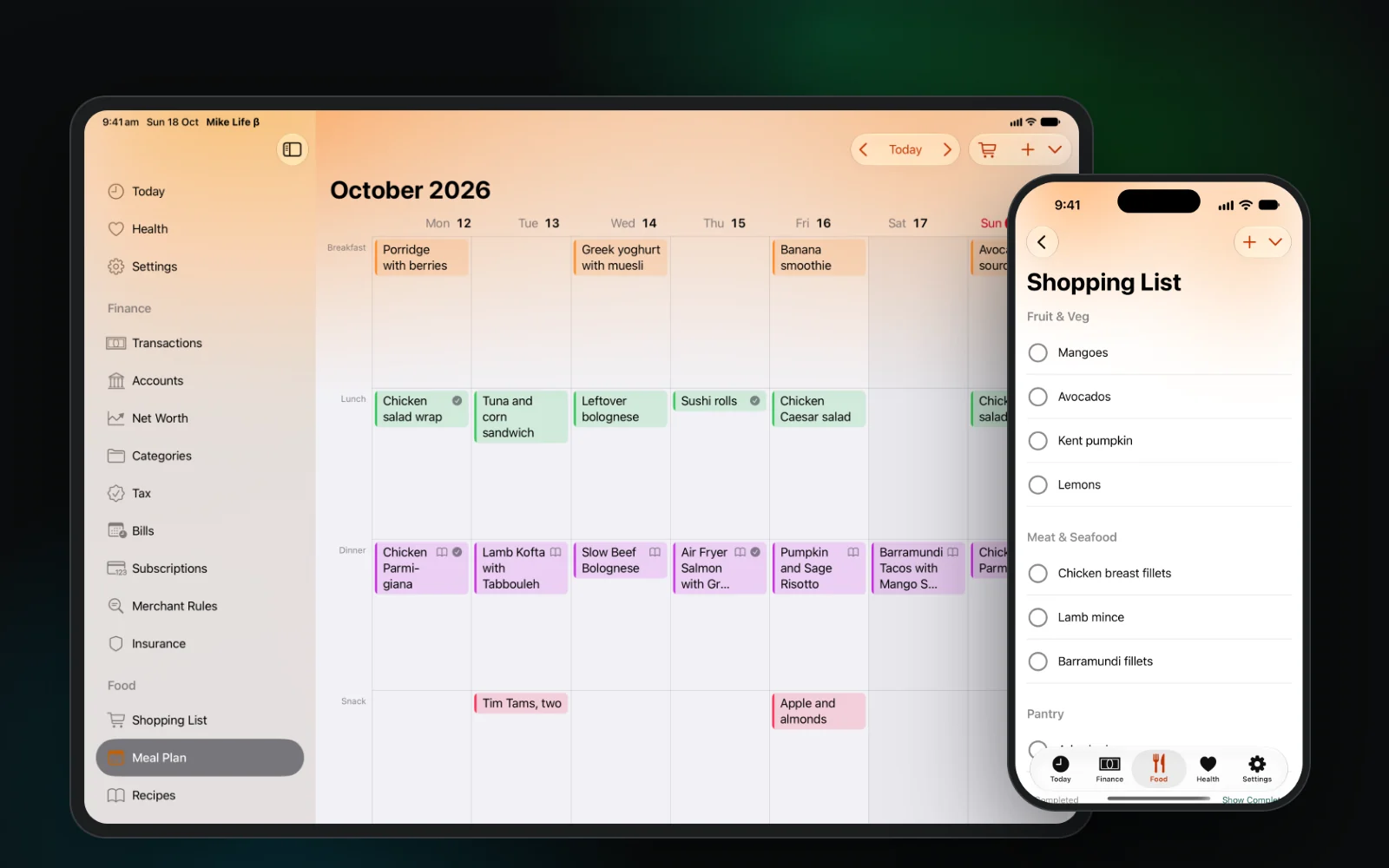
Weekly meal plan on iPad next to the shared shopping list on iPhone
Food

Plan the week, shop together

Recipes fill a shared list. Two people can shop it at once.

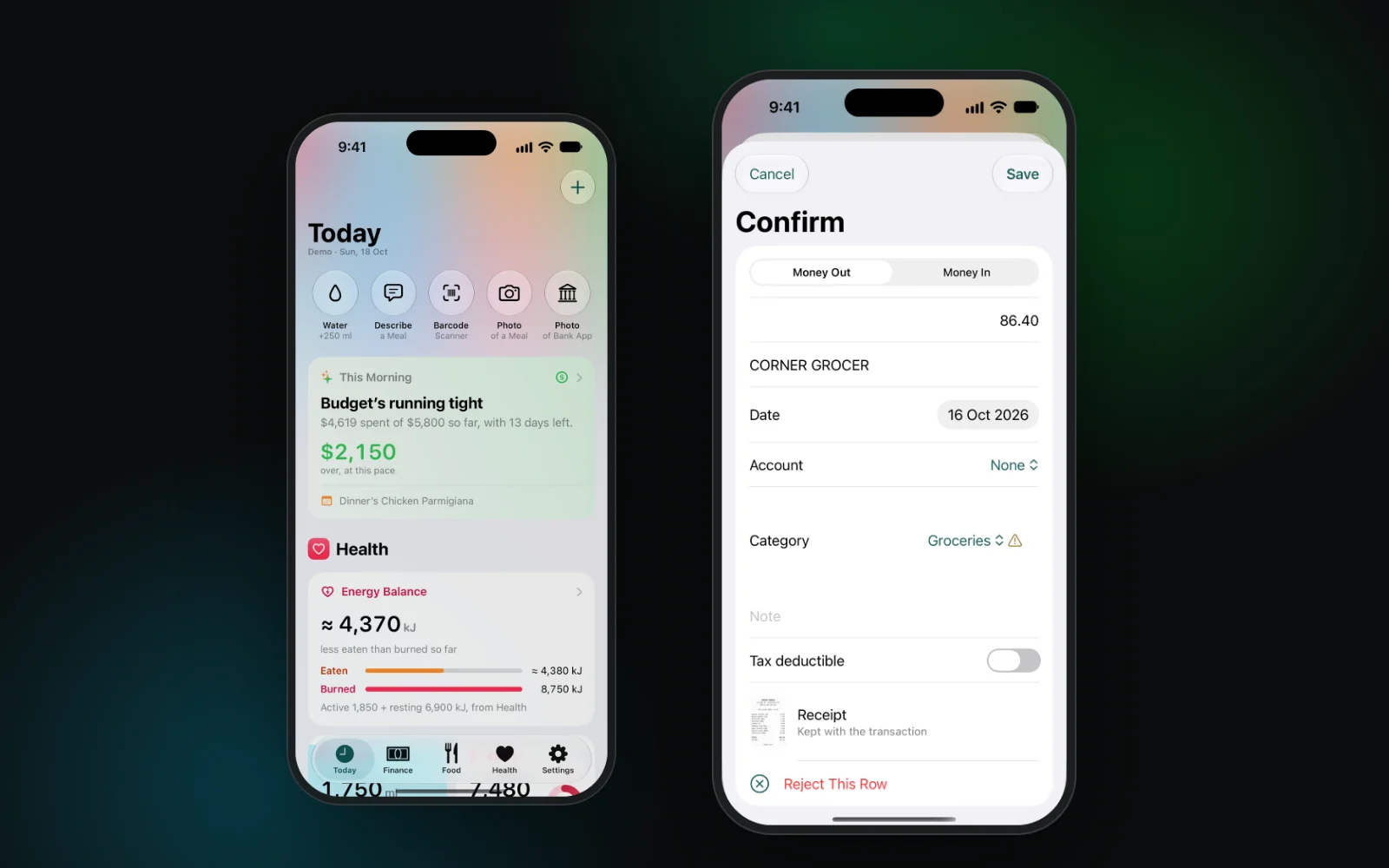
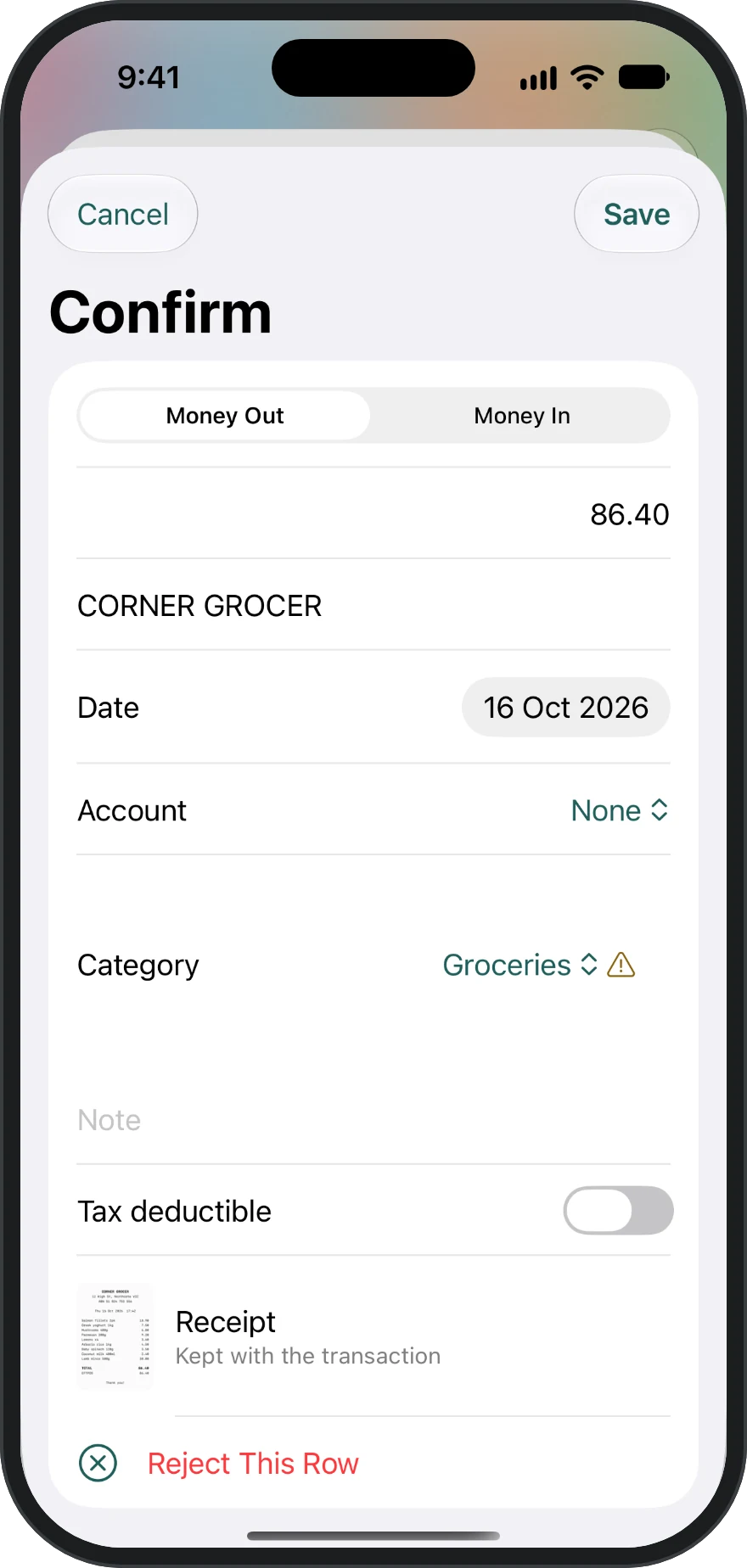
iPhone Today screen beside the Confirm screen for a scanned receipt, with the guessed category flagged
Capture

Snap it, check it, save it

Apple Intelligence reads receipts on the device. You check, then save.

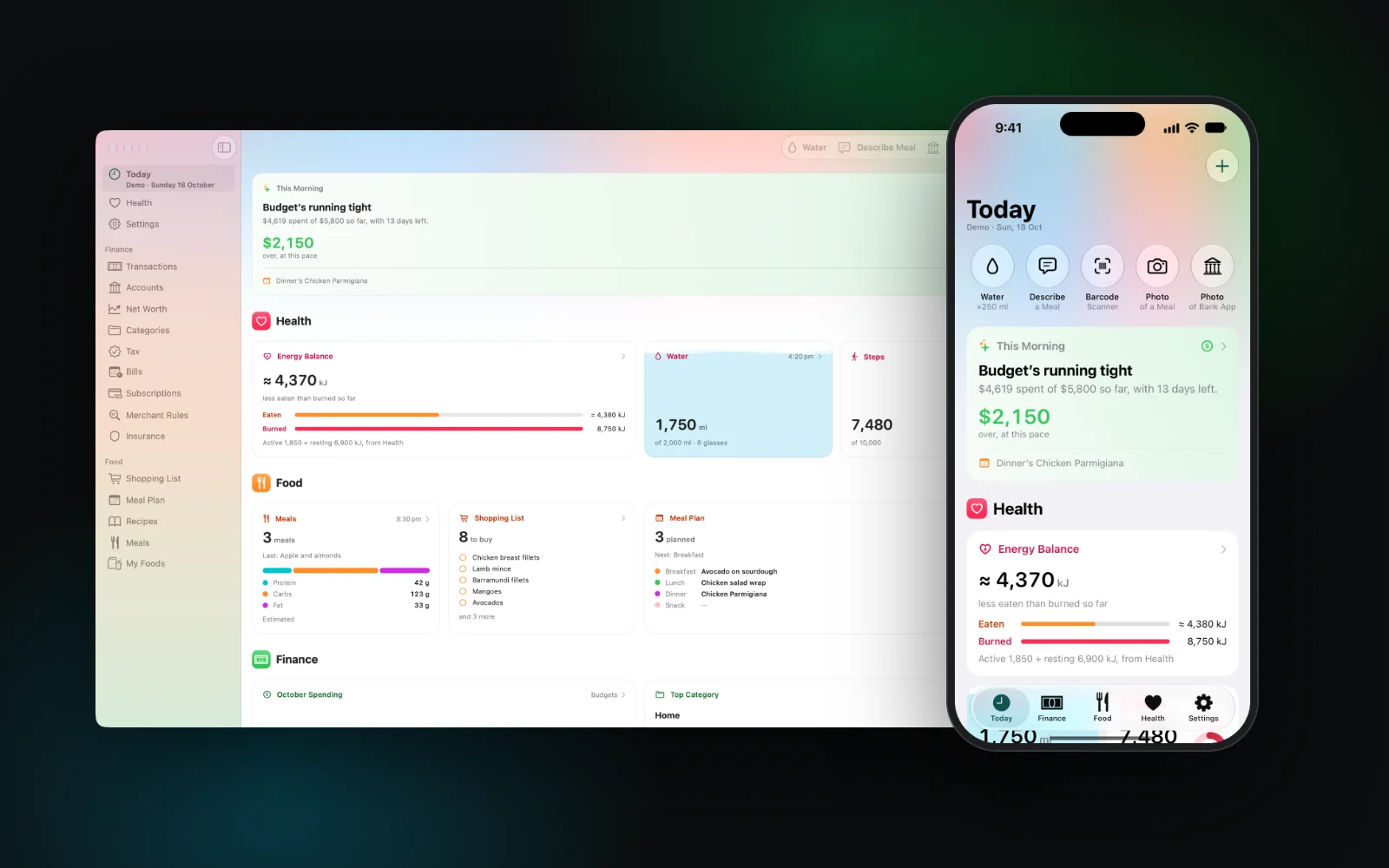
The same Today screen on Mac and iPhone
Sync

On every device, always in step

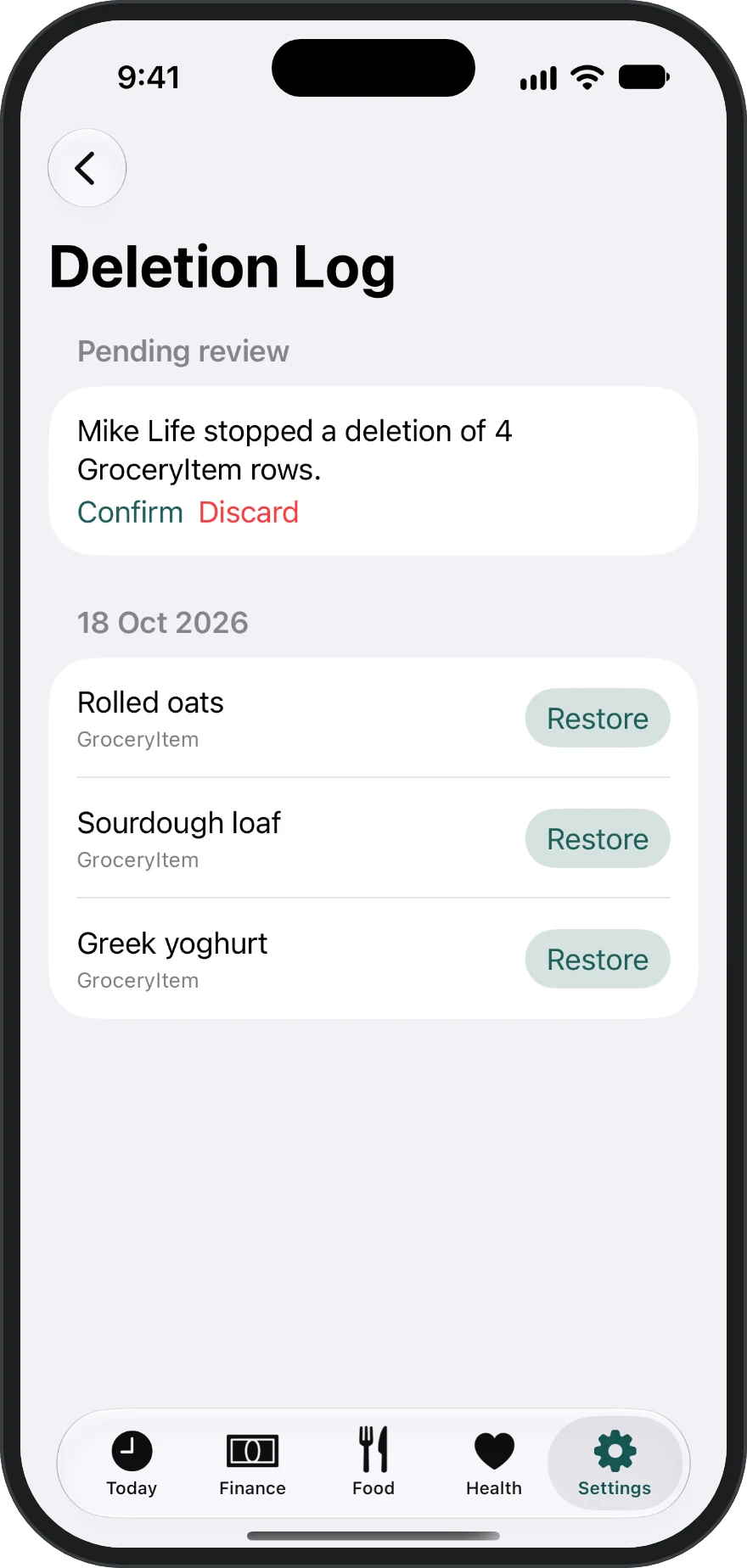
iCloud keeps iPhone, iPad and Mac in sync. Any delete can be undone.

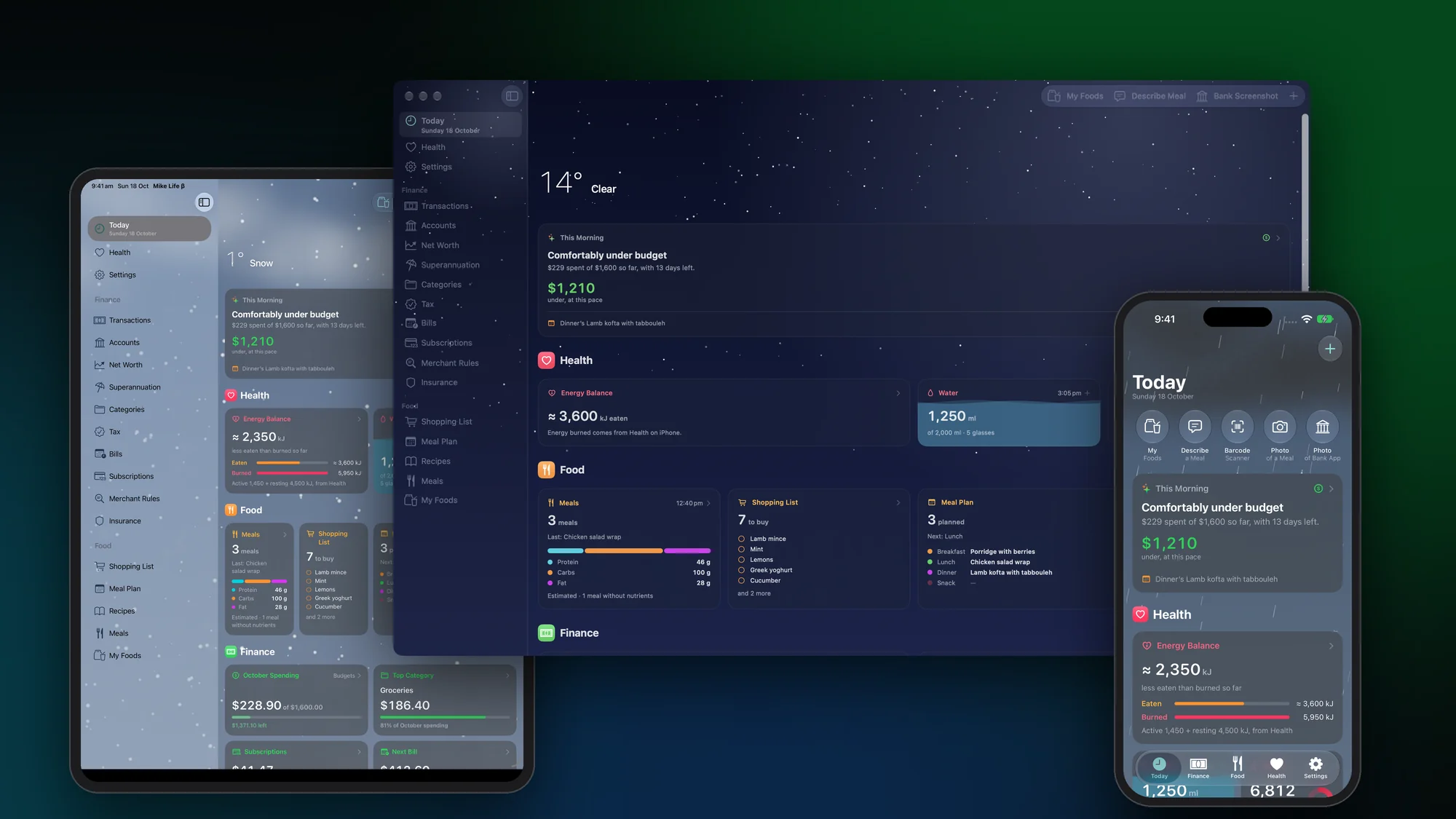
Weather

The sky outside

Today wears the weather. Rain falls and lands on the cards, snow drifts, and clear nights fill with stars.

Mike Life Today screen in three kinds of weather: snow on iPad, a clear starry night on Mac, and rain on iPhone
iPad · SnowMac · Clear nightiPhone · Rain
Design system

System first

Apple's styles first. These are the few things I added.

App icon

One egg in a nest, in every iOS appearance
Default app icon
DefaultLight
Dark app icon
DarkDark
Clear light app icon
ClearLight
Clear dark app icon
ClearDark
Tinted light app icon
TintedLight
Tinted dark app icon
TintedDark

The egg does double duty: a nest egg for the money you save, and an egg for what's for dinner.

Colour

Each swatch shows light and dark mode
Accent#1F5F5B#5FA8A2
Health#D30F45#FF6482
Food#C93400#FFB340
Finance#1F7A35#30DB5B
Home#0040DD#409CFF
Budget states · always paired with words
Groceries$188 left
Eating out$24 left
EntertainmentOver by $112
Meal slots · like Calendar's calendars
BreakfastLunchDinnerSnack
Macros
ProteinCarbsFat

Type

SF Pro · scales with Dynamic Type
TodayLarge Title
$2,846.00amountLarge
This Weekshelf
Energy Balancetitle
Chicken soba saladbody
Fri 17 Oct · 12:40 pmmetadata
Fruit & Vegeyebrow

Figures

Monospaced digits, right-aligned
Corner Grocer−$86.40
Electricity−$218.00
Salary+$4,120.00
Streaming−$16.99
Takeaway−$42.10

Digits line up in columns. Labels, dates and counts stay in normal text.

Icons

SF Symbols, line weight, tinted by area
clock
heart
drop
flame
fork.knife
cart
calendar
book
banknote
dollarsign.circle
building.columns
folder
house
shield
barcode.viewfinder
wand.and.sparkles

Spacing

Five steps, shown at 2×
xs 4
sm 8
md 12
lg 16
xl 24

Corners

Matched to Apple's own
event 6
card 12
tile 20
chrome

Components

The building blocks, as they appear in the app
Add · the only add button
Quick actions · glass
WaterMeal
Area heading
HealthFood
Today tile
October SpendingBudgets
$2,846of $4,200
List rows · tick sets, never toggles
Greek yoghurt1 kg
Salmon fillets
Transaction row
Corner GrocerGroceries−$86.40
Period picker
MonthQuarterHalfYear
Navigation · ControlGroup
‹Today›
AI confidence
Unsureon any guessed field
Meal plan · Calendar style
17Bircher muesliLamb kofta
Tab bar · iPhone
TodayHealthFinanceFoodSettings
Features

The useful extras

Designed by me, built with Claude.

iCloud synciPhone, iPad and Mac
WidgetsToday on your Home Screen
Siri & ShortcutsLog water or a meal by voice
Cook modeStep by step, with timers
Barcode scannerAustralian food data
Recipe importFrom a link or a photo
Statement importPDFs and screenshots
Bills & subscriptionsWhat's due, and what it costs
Apple HealthSteps, energy and weight
  • Swift 6
  • SwiftUI
  • SwiftData
  • CloudKit
  • Apple Intelligence
  • Vision
  • HealthKit
  • WidgetKit
  • Claude
  • Xcode